Enrolment Callback
Rs. 49Pay today to reserve callback priority
- Best if you want a call before joining
- Does not confirm full admission by itself
- Refund only after admission is confirmed
Learn AI vibe coding from idea to deployment. Build static websites, modern frontend screens, backend flows, Firebase-connected apps, XAMPP/PHP projects, dashboards, app prototypes, and production-ready deployments on Vercel, Railway, Cloudflare, and real domains.
Every learner works toward a demo-ready build that can be shown to parents, clients, colleges, recruiters, or used as a starting point for a real product.
Students learn how to think, prompt, build, test, deploy, and promote practical digital products with AI assistance. The focus is not only static websites; students also understand frontend, backend, databases, hosting, DNS, and real project delivery.
Turn an app, website, service, or startup idea into user flows, feature lists, wireframes, and a build roadmap.
Create landing pages, service sites, responsive sections, pricing tables, enquiry forms, and SEO-friendly content.
Plan screens, dashboards, forms, login flows, reusable UI sections, and simple app logic with AI-assisted frontend workflows.
Add statistics, cards, graphs, comparison sections, and basic dashboard-style reporting to projects.
Build basic calculators, recommendation sections, lead scoring forms, and educational prediction-style outputs.
Understand backend basics, Firebase, local XAMPP/PHP workflows, Vercel/Railway hosting, Cloudflare, DNS, SEO, ASO, and launch promotion.
The course is designed for students who want visible output, not just recorded lessons or scattered AI prompts.
Every week has a clear project milestone, so students know what they are building and why it matters.
Students learn from Parivesh Singh Gupta with practical direction on prompts, design, debugging, and deployment.
Forms, payments, receipt download, WhatsApp, and email follow-up are connected for a smoother joining process.
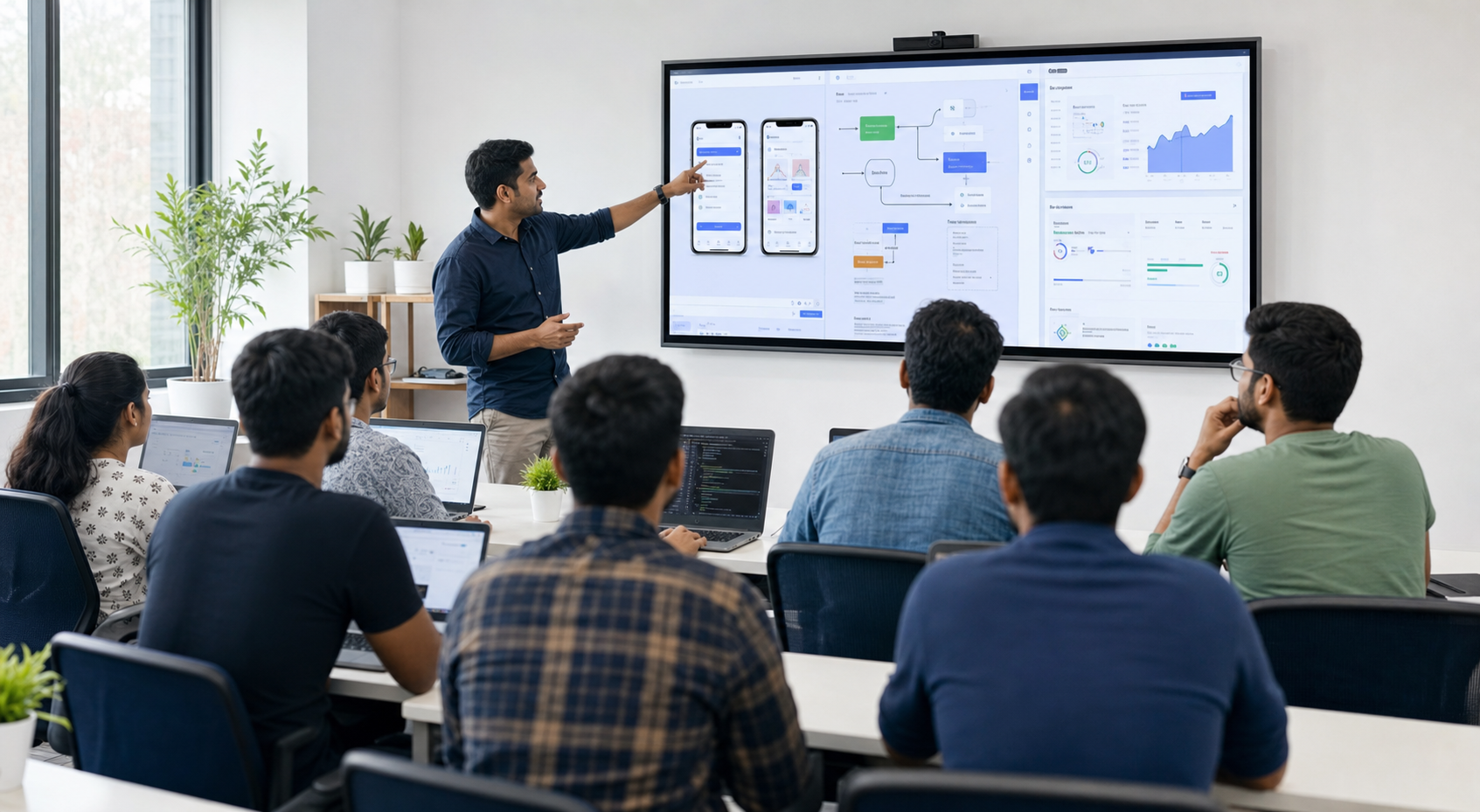
The curriculum covers practical AI development, prompt engineering, IDE workflows, visual design, debugging, deployment, and digital growth fundamentals.
Use ChatGPT, Gemini, Codex-style tools, and AI coding assistants to generate, refine, and debug code step by step.
Set up files, create HTML/CSS/JS sections, responsive layouts, forms, navigation, reusable components, and browser-tested pages.
Use hero images, app mockups, icon cards, custom SVG diagrams, visual sections, alt text, compression, and mobile-ready media.
Write better prompts for UI, backend logic, charts, calculators, debugging, deployment, SEO, and content.
Work with Firebase, PHP/XAMPP basics, APIs, databases, VS Code, Cursor, Replit, GitHub, terminal basics, hosting, and domains.
Understand SEO, ASO, launch content, social media planning, and how to explain your project online.
AI can generate code quickly, but students still need judgement: what to ask, what to keep, what to fix, how to make it responsive, and how to take it live. This masterclass turns AI output into usable projects.
Students learn feature planning, page structure, user flows, and prompt sequences before jumping into random code.
The training covers mobile, tablet, and desktop checks so a project does not break when opened on another device.
Students practice reading errors, asking AI better follow-up questions, testing changes, and improving the result step by step.
Each learner prepares a demo-ready project with basic SEO, launch content, and a confident explanation of what they built.
Students get exposure to the tools and stacks used to plan, build, connect, host, secure, and launch real digital products.
HTML, CSS, JavaScript, responsive layouts, forms, landing pages, dashboards, components, icons, SVG illustrations, inline SVG cleanup, and browser testing.
React/Next.js-style concepts, component thinking, state, routing basics, UI structure, reusable sections, and AI-assisted frontend fixes.
APIs, PHP basics, Node.js concepts, server-side form handling, payment flow understanding, validation, and project logic.
Firebase Authentication, Firestore/Realtime Database concepts, storage ideas, JSON data, local data handling, and admin-ready records.
VS Code, Cursor, Replit, GitHub, browser dev tools, terminal basics, XAMPP, localhost testing, and debugging workflows.
Vercel, Railway, shared hosting, VPS basics, build checks, environment variables, deployment errors, and live project review.
Domain connection, DNS records, nameservers, SSL, Cloudflare basics, redirects, caching awareness, and launch troubleshooting.
SEO structure, ASO basics, social launch content, analytics/events thinking, WhatsApp CTAs, lead capture, and follow-up funnels.
Answer four quick questions and the page will suggest the right admission path before you fill the form.
The course is structured so students move from idea clarity to a demo-ready project.
AI vibe coding basics, product thinking, prompts, feature lists, user flows, and project planning.
Landing pages, responsive sections, images, icons, forms, pricing blocks, and SEO-friendly structure.
Dashboards, charts, calculators, recommendation forms, Firebase/database concepts, backend flow basics, and app screens.
Testing, debugging, Vercel/Railway/hosting basics, Cloudflare, DNS, SEO/ASO/social launch content, certificate, and final demo.

The masterclass is guided by Parivesh Singh Gupta, Founder of TweeLabs. The focus is practical execution: planning an idea, prompting AI properly, building a working web/app prototype, debugging, deploying, and presenting it with confidence.
Reserve Your SeatEnter the basic details needed for receipt and follow-up, then choose any payment option below.
Only four required fields before checkout.
Pay Rs. 49 only to reserve admission callback priority, or choose one full-fee plan below. The course fees shown are already 40% discounted. The Rs. 49 refund is processed only after admission is confirmed.
Every student is encouraged to complete one final project and present it in a demo session.
Home, services, pricing, forms, WhatsApp CTA, SEO basics, and responsive sections.
Hero, feature cards, images, SVGs, comparison table, testimonials, FAQ, and lead capture.
Cards, charts, user activity data, Firebase/database concepts, course progress, business metrics, and visual reports.
Calculator, recommendation form, app idea checker, backend logic, ROI estimate, or lead qualification flow.
Personal brand, project sections, proof, contact form, and live deployment link.
Visual product page with features, price blocks, social launch content, and promotion basics.
No advanced coding knowledge is required. Students should have basic computer knowledge, a laptop, stable internet, and willingness to practice daily.
Build practical project confidence and understand modern AI-assisted product creation.
Create websites, landing pages, dashboards, and smart lead capture experiences for clients.
Convert ideas into working prototypes and understand what goes into digital product delivery.
A laptop is compulsory because the course depends on hands-on practice, testing, debugging, deployment, and daily project improvement.
Start with Rs. 49, share your details, and get priority admission follow-up for the AI App & Website Development Masterclass.
No. The course is practical and project-based. Students learn by planning, building, testing, fixing, deploying, and presenting a project.
No advanced coding knowledge is required, but basic computer knowledge, daily practice, and willingness to learn through experiments are important.
Access/support is included during the training period for learning and practical work. Permanent personal subscriptions are not included unless clearly mentioned separately.
Students get a final demo session, certificate eligibility after participation and project submission, and 7 days of limited project-related doubt support.
Yes. The Rs. 49 enrolment fee confirms genuine interest and helps the admissions team prioritize your callback. It is refundable only after admission is confirmed.
Submit the form and select "Not sure about configuration". The team can guide you, and offline students can request the laptop facility if needed.
No. The course teaches you how to use AI as a development partner. You still learn how to plan, prompt, test, fix, deploy, and explain your project.
No. Static websites are only the starting point. The course also introduces frontend workflows, backend basics, Firebase, PHP/XAMPP, Vercel, Railway, Cloudflare, DNS, forms, payment flow understanding, and project deployment.
Yes. Business owners can use the course to understand websites, landing pages, dashboards, app prototypes, AI tools, and digital growth workflows.
Your details are saved. You can retry payment or message the admissions team on WhatsApp for quick help.